Avatar Hub Dashboard
`/status`에서 source, 상태, 캐릭터, VOICEVOX 설정을 확인합니다.
Local desktop avatar hub
AI 작업 상태에 반응하는 로컬 데스크톱 아바타 허브
A local desktop avatar hub for AI agent events.
What is inside
`/status`에서 source, 상태, 캐릭터, VOICEVOX 설정을 확인합니다.
hook 이벤트를 공통 `/event` 흐름으로 전달합니다.
Claude Desktop, GPT 호스트, 로컬 MCP 환경과 연결할 수 있습니다.
활성 앱 추정 heartbeat를 보내는 선택형 보조 도구입니다.
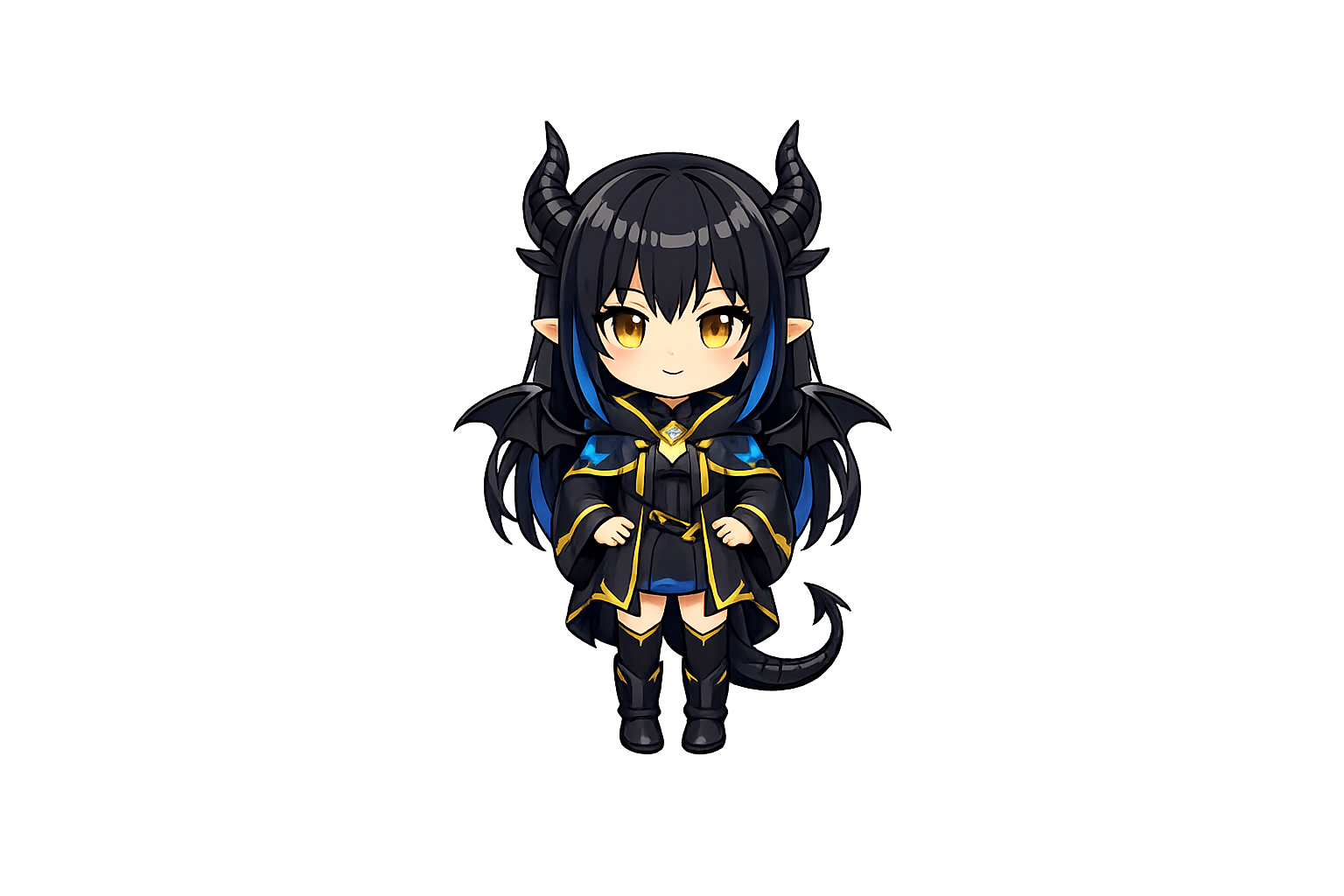
`zundamon`과 `phimir` 프로필 및 확장 표정을 지원합니다.
로컬 VOICEVOX를 별도로 실행하면 음성 출력까지 연결됩니다.
Flow
Windows release
Pages는 최신 Release로 안내하고, 실제 `.exe`와 `.zip` 파일은 GitHub Releases에 올립니다. Release가 아직 없으면 버튼은 Releases 페이지로 이동합니다.
Recommended assets
PhiMir-Avatar-Hub-v0.20.0-Windows-Portable.exe
PhiMir-Avatar-Hub-v0.20.0-Windows.zip
Unsigned builds may show SmartScreen warnings. VOICEVOX is separate.
Privacy first
Start
http://localhost:3456/status
Next